When you buy custom keyboard components through links on Pinout & Plate, we may earn an affiliate commission at no extra cost to you. How Pinout & Plate earns commissions
Coiled aviator cables have shifted from bespoke desk showpieces soldered by boutique cable-makers to widely available off-the-shelf accessories. At their core, these cables combine a tightly wound spring coil with a detachable multi-pin circular connector (frequently an industrial GX16 or push-pull collar) spliced between the host USB-A terminal and the keyboard’s USB-C port.
While the aesthetic appeal is undeniable, integrating an industrial disconnect and extending wire runs introduces real electrical and physical variables—from voltage drop on high-draw RGB boards to recessed port clearance. Below, we break down the mechanical realities behind the hype and examine four distinct options available for your desk setup.
Aviator connectors (most commonly 4-pin or 5-pin GX12/GX16 threaded joints) pass standard USB 2.0 lines: VBUS (5V), Data-, Data+, and Ground. The connector does not increase data transmission speeds or improve latency; its primary utilities are modular quick-swapping between boards without stressing the PCB-mounted USB-C port, anchoring desk weight, and aesthetic customization.
Anatomy of a Durable Coiled Cable
Not every coiled cable is constructed the same way. When evaluating a setup, three engineering aspects dictate long-term durability and signal integrity:
- Double Sleeving (Paracord + PET / Techflex): A standard inner paracord sleeve provides vibrant color, while a tight outer polyethylene terephthalate (PET) mesh adds structural stiffness. This outer mesh is crucial: it prevents the coil from sagging or losing its spring memory over repeated minor adjustments.
- Total Effective Conductor Length: A 6-inch tightly wound coil can consume 4 to 6 feet of internal copper wiring. Combined with straight lead runs, your total cable length can approach 8 to 10 feet. On boards with intensive per-key backlighting or high-power microcontrollers, low-gauge internal conductors can cause slight voltage drops if paired with unpowered hubs.
- Connector Shroud Clearance: Mechanical keyboard cases vary drastically. Keyboards with flush rear ports accept any overmolded or heat-shrink collar, but deeply recessed USB-C cavities require a slim CNC or narrow heat-shrink connector housing to seat fully.
Featured Coiled Aviator Cables
Whether you need a classic workshop aesthetic, color-matched hardware, or specialized gaming hardware support, here is how current market offerings compare.

The ATTACK SHARK C01Ultra takes a modern, gaming-centric departure from traditional matte paracord assemblies. Featuring integrated accent lighting at the terminal ends and an updated metal quick-disconnect joint, it targets modern competitive setups. The manufacturer highlights 8KHz return rate capability—which depends primarily on clean USB 2.0 data line shielding over long runs. If you run a high-polling rate board with extensive RGB underglow and want luminous terminal accents, this configuration delivers a distinct cyberpunk profile.
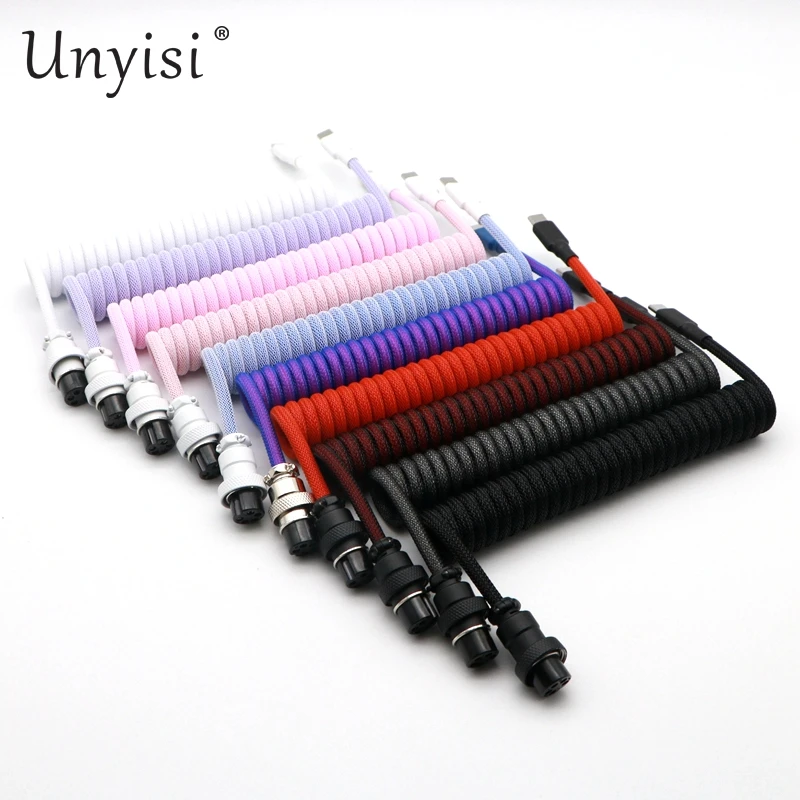
The Unyisi Double-Sleeved GX16 represents the traditional gold standard of the custom mechanical keyboard hobby. Built with a dual-layer inner paracord core and rigid PET outer sleeve, it features the heavy, threaded GX16 metal aviator joint. The double-sleeved construction provides strong coil tension and resistance against sagging. Available in multiple classic colorways (ranging from monochrome stealth to pastel palettes), this is a solid bench choice for pairing with custom keycap profiles and anodized aluminum cases.
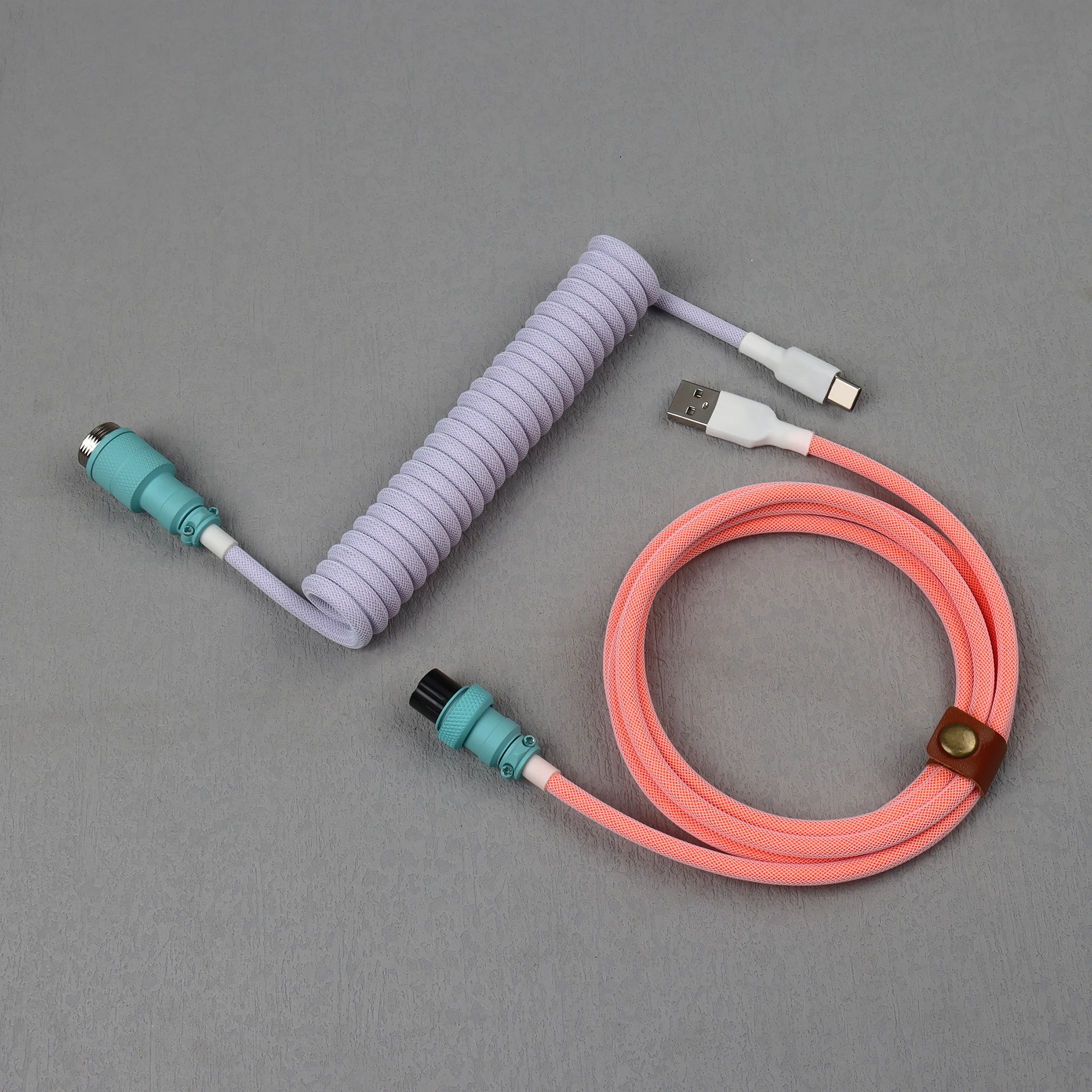
LANO Double Sleeved: Notable for its two-tone color blocking and factory-coated color-matched aviator housing, pairing well with two-piece keycap theme builds.
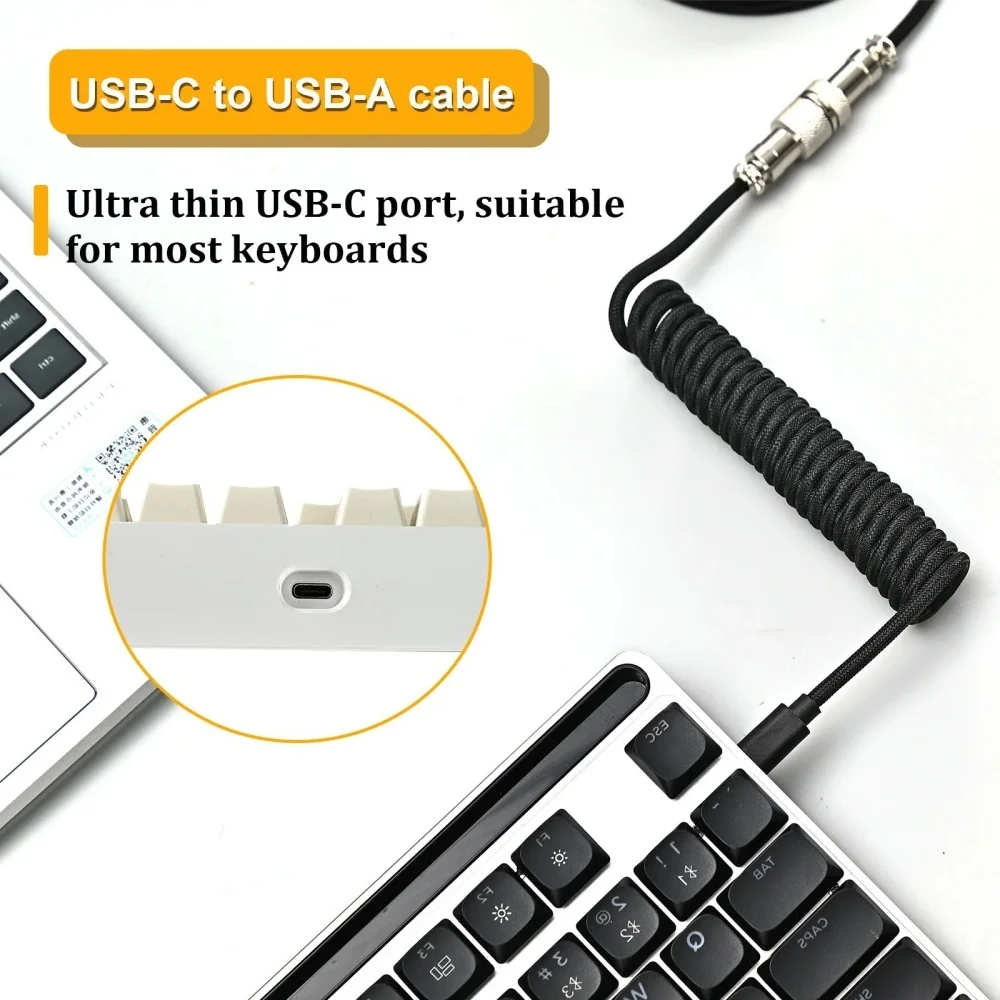
Stone's Store Spring Cord: A minimalist, budget-conscious coiled option featuring a slender connector barrel that accommodates tight, recessed case cutouts.
Practical Setup & Maintenance Tips
- Mind the Directional Pull: Avoid pulling or over-stretching the coil across your desk. Coils are heat-treated to retain tension, but aggressive manual stretching can deform individual loops. Route straight host leads along monitor arms or cable channels.
- Check Recessed Port Cavities: Before purchasing, measure the depth and clearance around your keyboard's USB-C opening. Thick alloy sleeves or heavy heat-shrink moldings can catch on narrow entry bevels (common on high-profile aluminum cases).
- Thread With Care: When disconnecting a GX16 collar, unscrew the knurled ring fully before pulling the pins apart. Avoid twisting the connector housing against the pins to prevent solder pad strain inside the collar.